Free pixel art maker and sprite creator
Draw sprites, animate them frame by frame, and export to PNG, sprite sheet, or GIF. It runs in your browser.
- Free
- No sign-up
- Saves in your browser


Good for
- Game sprites
- Avatars
- Icons
- Emojis
- Tile sets
- Animations
FAQ
Something else? Get in touch.
Is PixeMaker free?
Yes — it's completely free, with no account required.
Where is my artwork stored?
In your browser's local storage — it isn't uploaded to a server. Export as PNG, sprite sheet, or GIF to keep a permanent copy.
What can I export?
A single frame PNG, a sprite sheet of all frames, or a looping GIF — at 1×, 4×, 8×, or 16× scale.
Can I use my creations commercially?
Yes. Anything you make is yours to use in personal or commercial projects. See the Terms for details.
Learn pixel art
All guides-
 9 min read
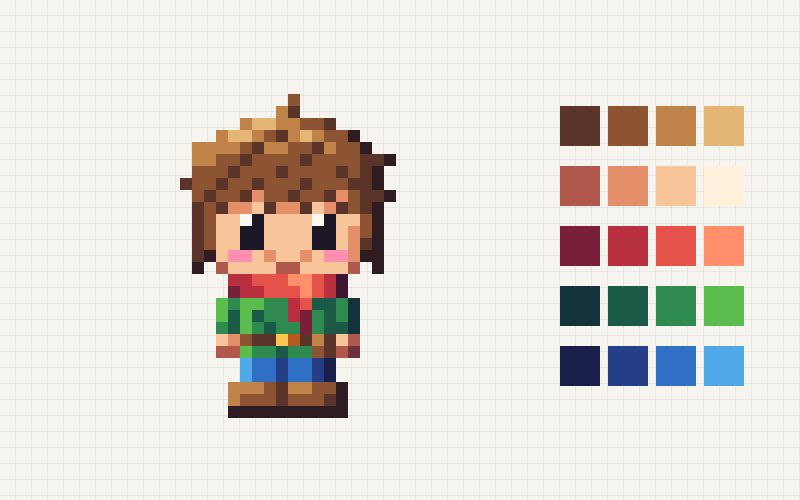
How to make pixel art
Canvas sizes, hue-shifted palettes, clean lines, shading and outlines — the fundamentals, in any editor.
-
 7 min read
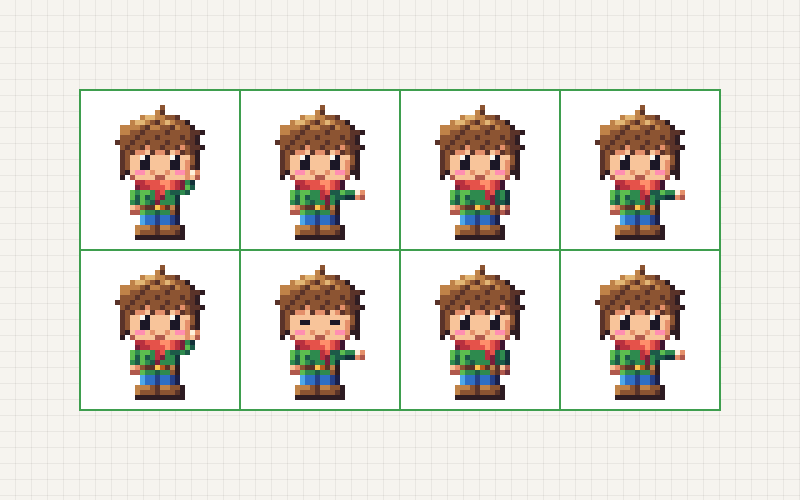
How to make a sprite sheet
Frame size, row layout and pivots, plus import steps for Unity, Godot, GameMaker and Phaser.
-
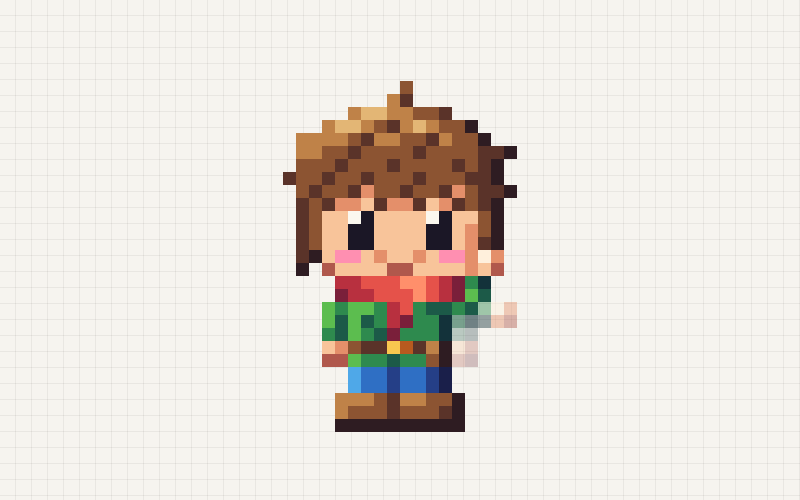
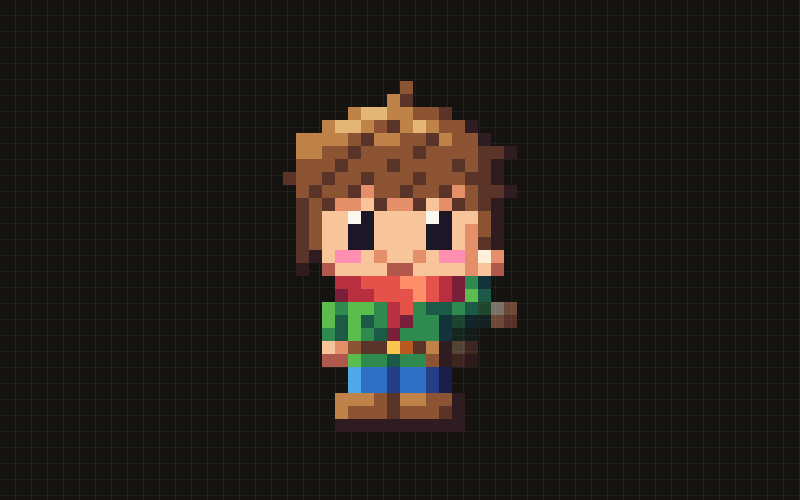 7 min read
How to animate pixel art & make a GIF
Key poses and in-betweens, timing and spacing, and GIFs that stay crisp.
Start drawing
Open the editor and make your first sprite. There's nothing to install.